Write in plain text. Read it beautifully.
A fast, focused editor for Markdown, LaTeX, AsciiDoc, rST and wikitext. Write the source, see it rendered, and keep every note as a plain file you own.
Coming soon to Windows, macOS and Linux.
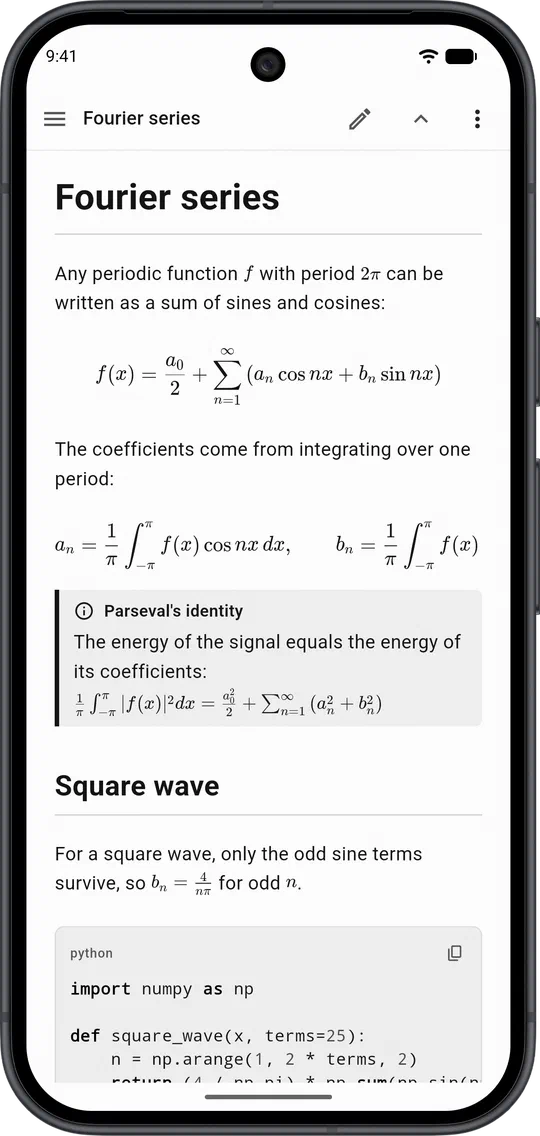
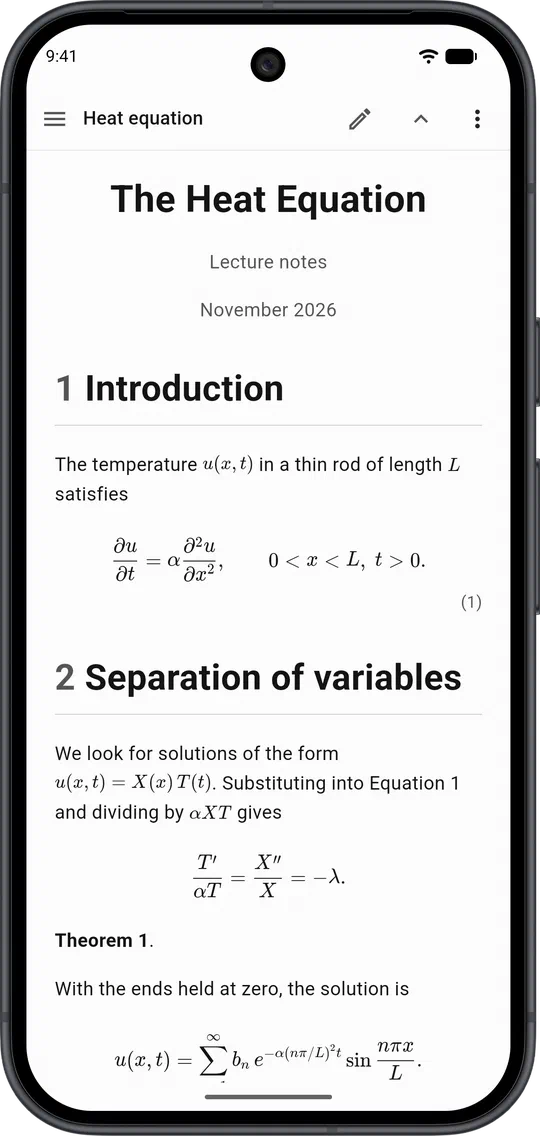
Maths that looks like maths.
Write LaTeX maths straight into your notes and see proper equations in the preview, inline or on a line of their own.
Full LaTeX documents, on the go.
Open any .tex file to preview its sections, theorems, tables and equations, with highlighting for every command and environment as you edit.
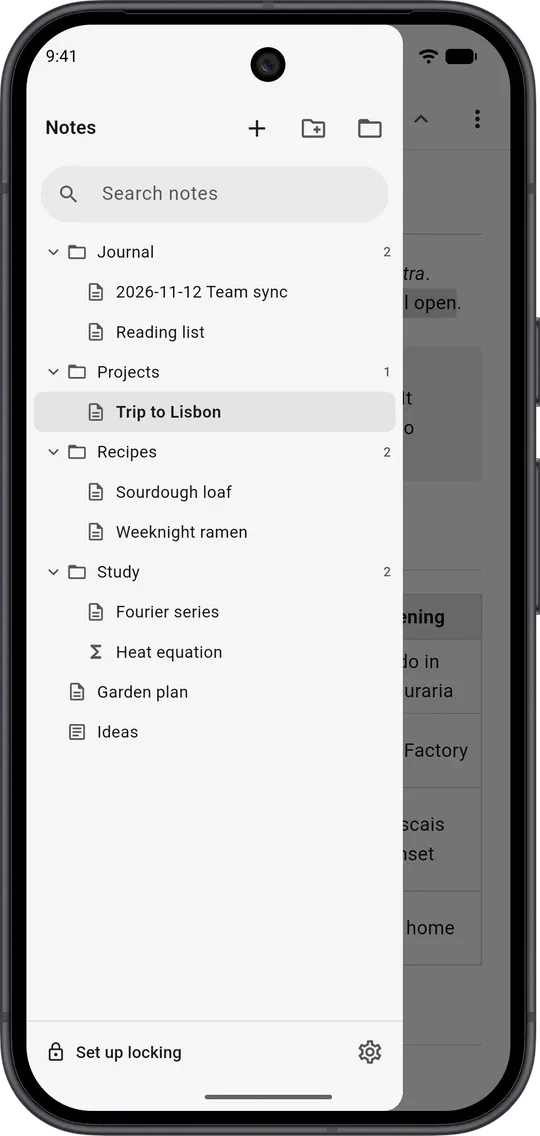
Your notes, in folders you own.
Notes are ordinary files in one folder. Sync it with git or any cloud drive, and search names and contents across all of it.
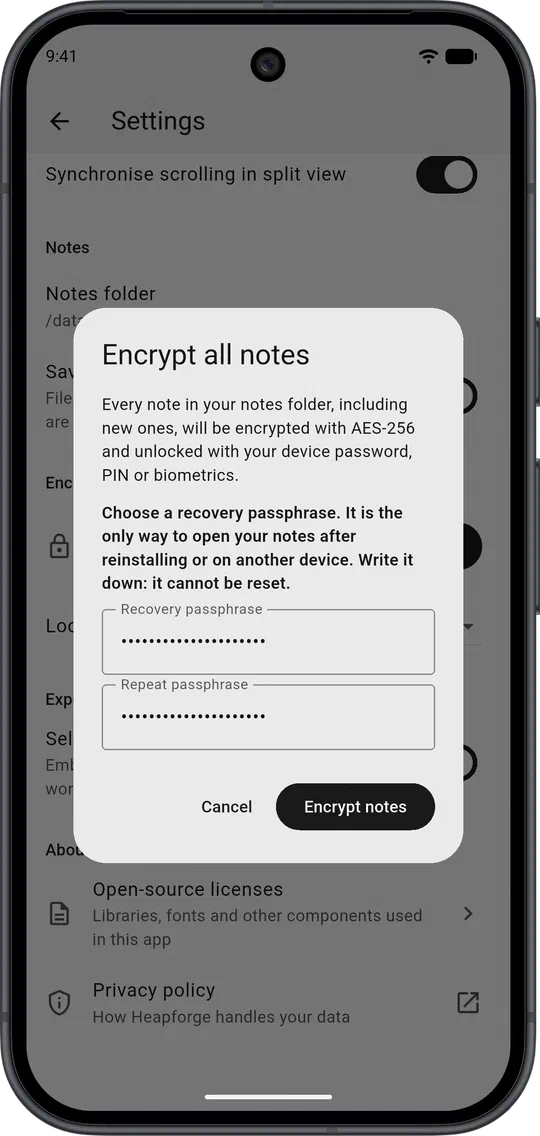
Lock the notes that matter.
Locked notes are encrypted with AES-256 and open with your fingerprint or screen lock.
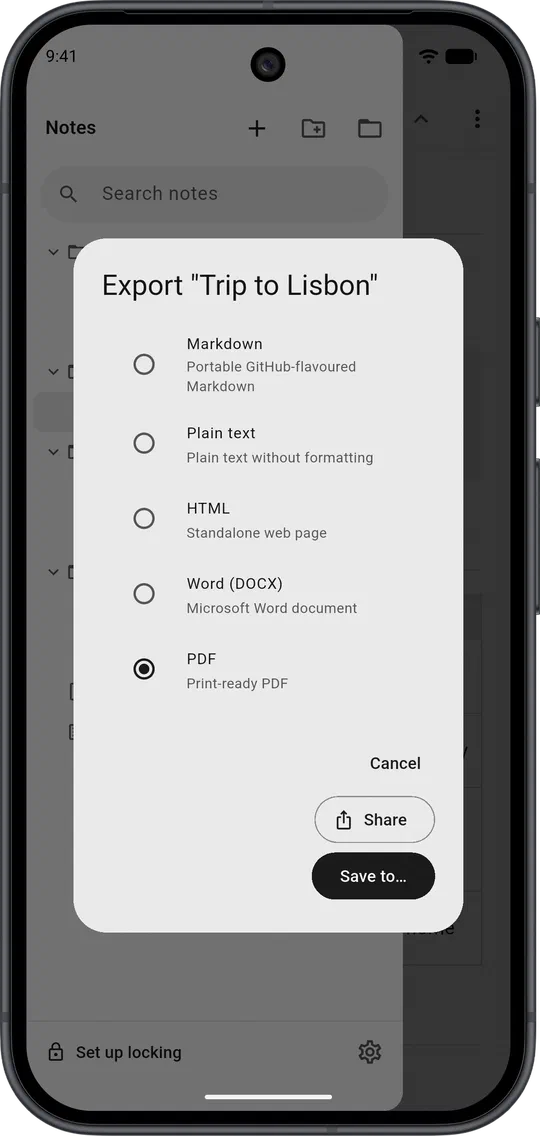
Export to anything.
Markdown, plain text, HTML, Word and PDF, all made on your device and all working offline.
Every format you write in.
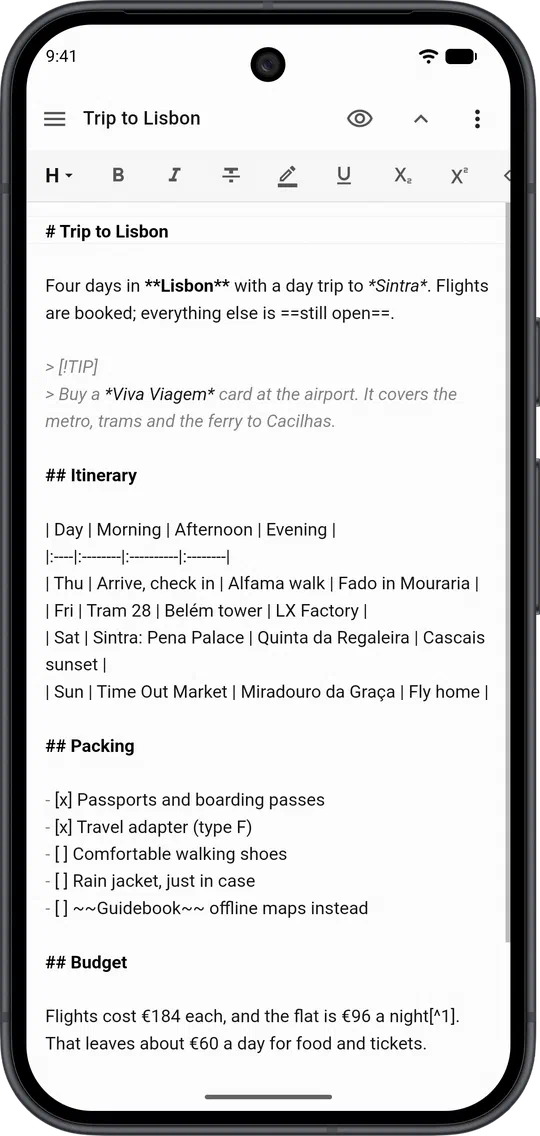
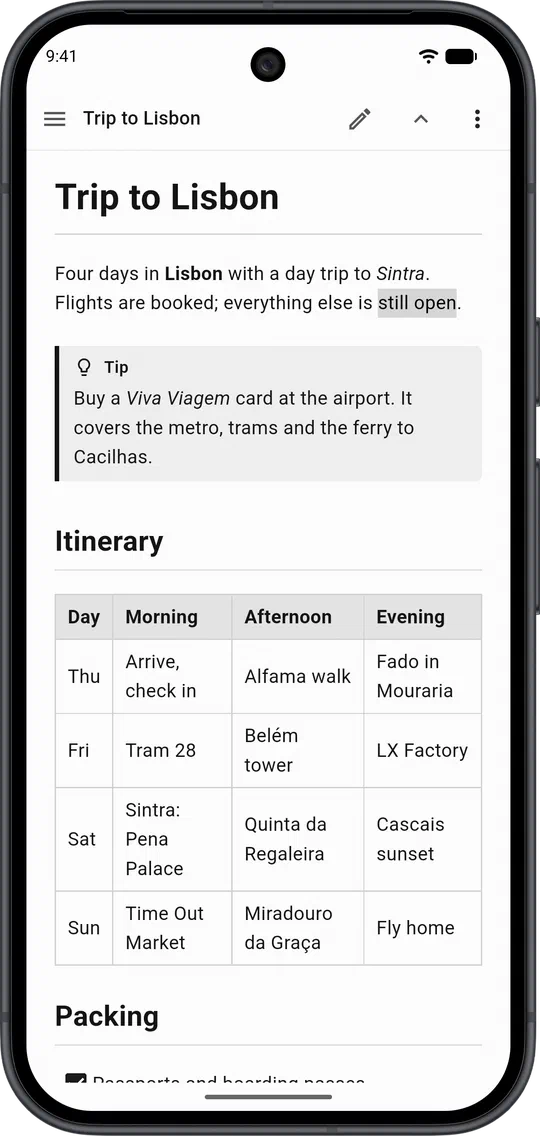
Each markup language gets a live preview and full export. Any other text file opens too, with its encoding and line endings kept.
Markdown
- .md
- .markdown
- .mkd
- .rmd
- .qmd
LaTeX
- .tex
- .ltx
- .latex
AsciiDoc
- .adoc
- .asciidoc
reStructuredText
- .rst
- .rest
Wikitext
- .wiki
- .wikitext
- .mediawiki
Plain text
- .txt
- any text file
Markdown means CommonMark plus GitHub, GitLab, Pandoc, MultiMarkdown and Markdown Extra syntax, all in one.
The little things, done right.
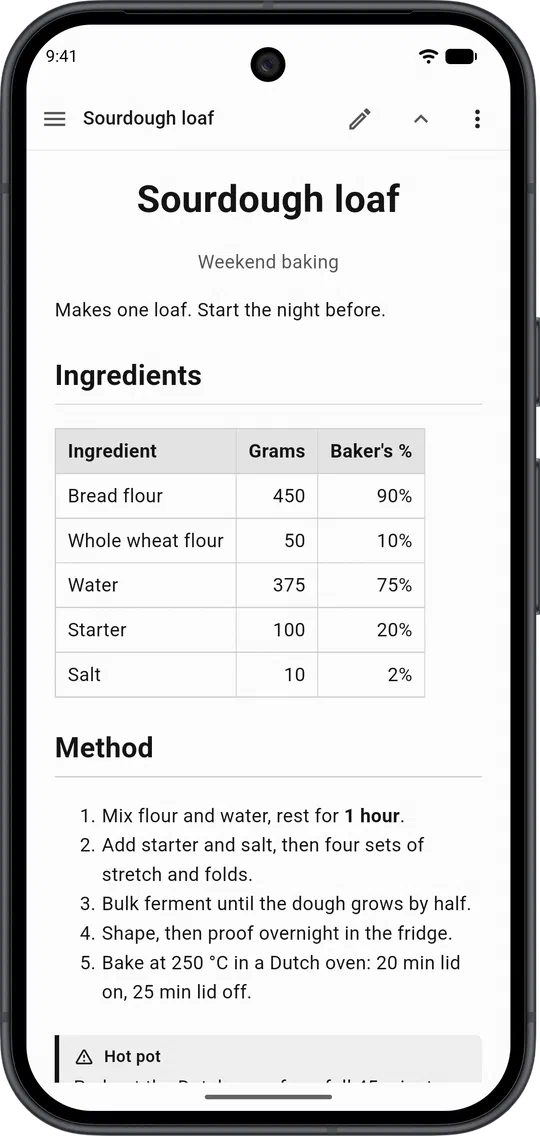
Every Markdown flavour.
GitHub, GitLab, Pandoc, MultiMarkdown and Markdown Extra syntax, all in one.
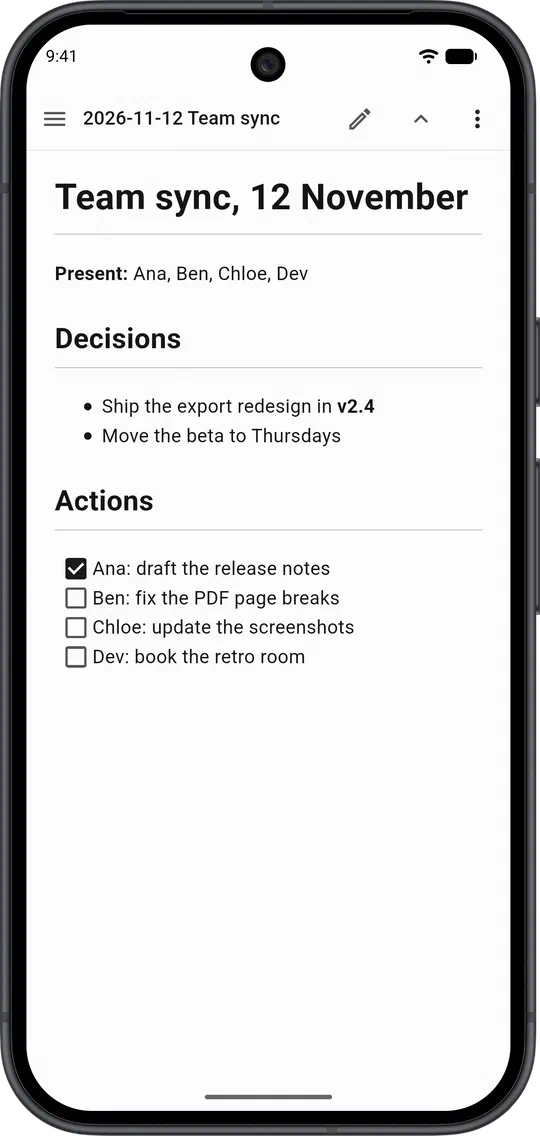
Tick things off.
Task lists you can check straight from the preview.
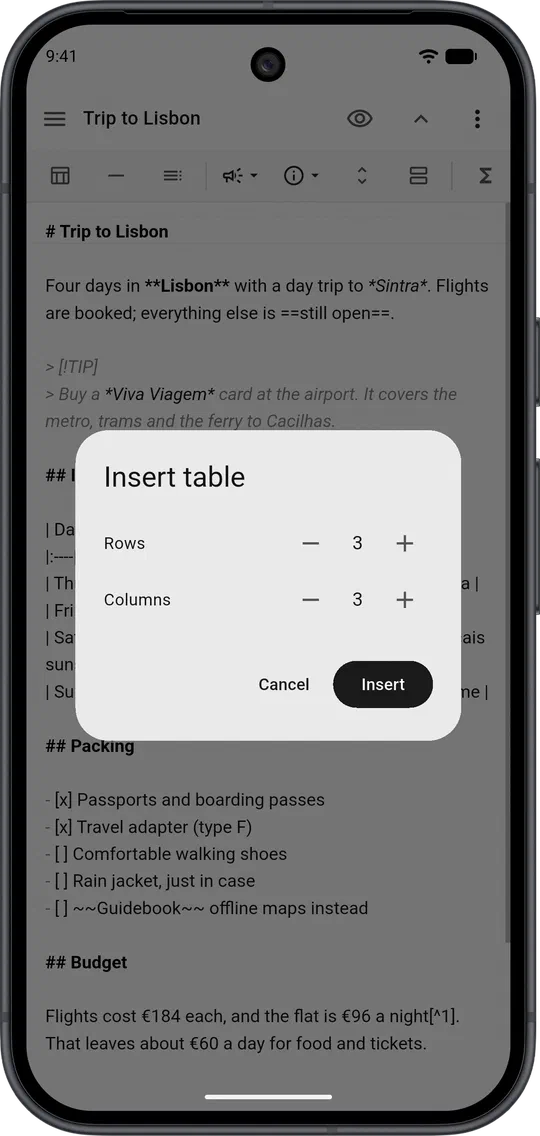
Tables without the pipes.
Pick a size and the toolbar writes the table for you.
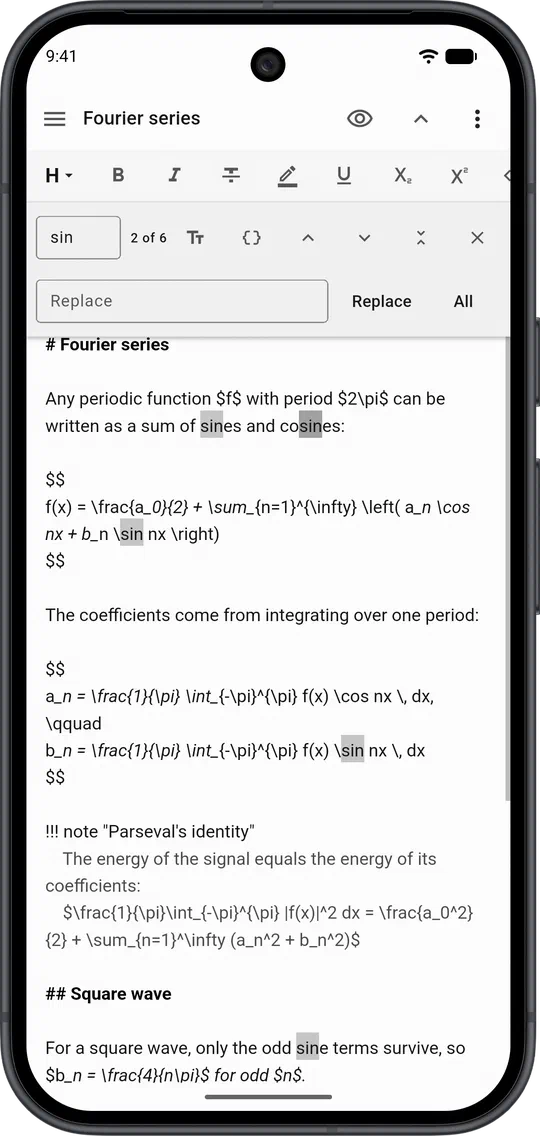
Find and replace.
Match case or use regular expressions, then replace in one go.
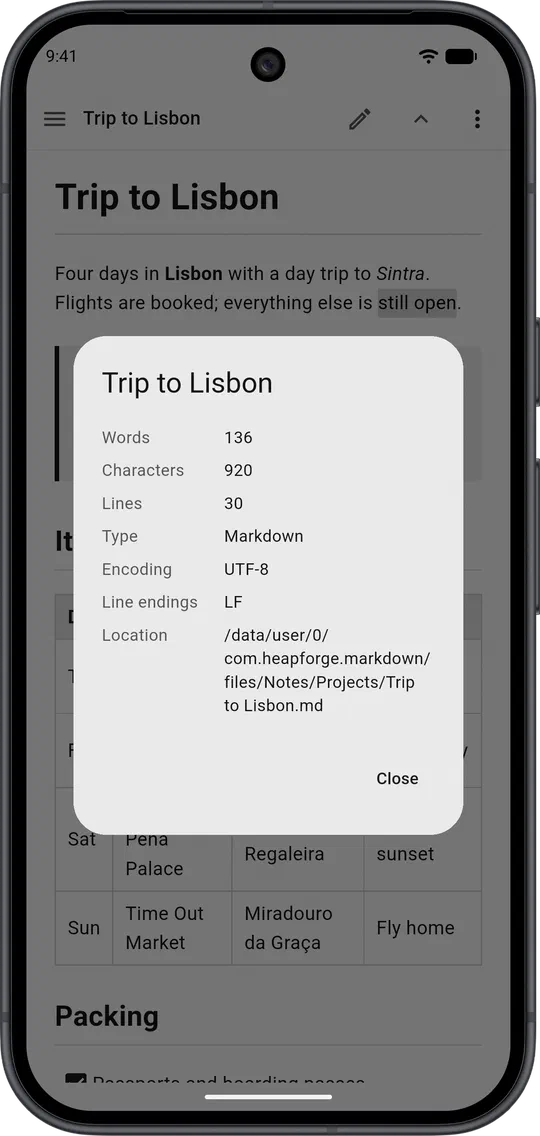
Know your document.
Words, characters, encoding and line endings at a glance.
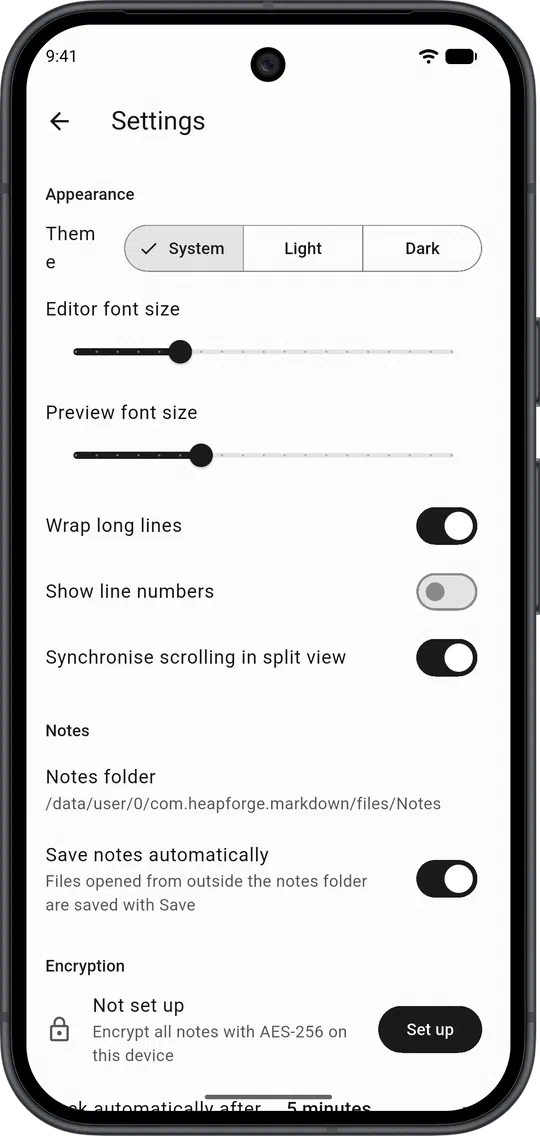
Make it yours.
Light or dark, font sizes, line numbers and word wrap.
On your phone today. On your desk soon.
- AndroidGoogle PlayGet it on Google Play
- iPhone & iPadApp StoreComing soon
- WindowsDesktopComing soon
- macOSDesktopComing soon
- LinuxDesktopComing soon
Plain text, beautifully rendered.
No account, no ads, no tracking. Your notes stay on your device.